FOR IPHONE & ANDROID
A guide to Long Island playgrounds.
On your phone.
Find a playground nearby, or look up somewhere new before you go.
LI Playground Finder brings together locations, photos, equipment, and amenities from the Long Island Parks directory.
You can also browse the directory on LIParks.com.
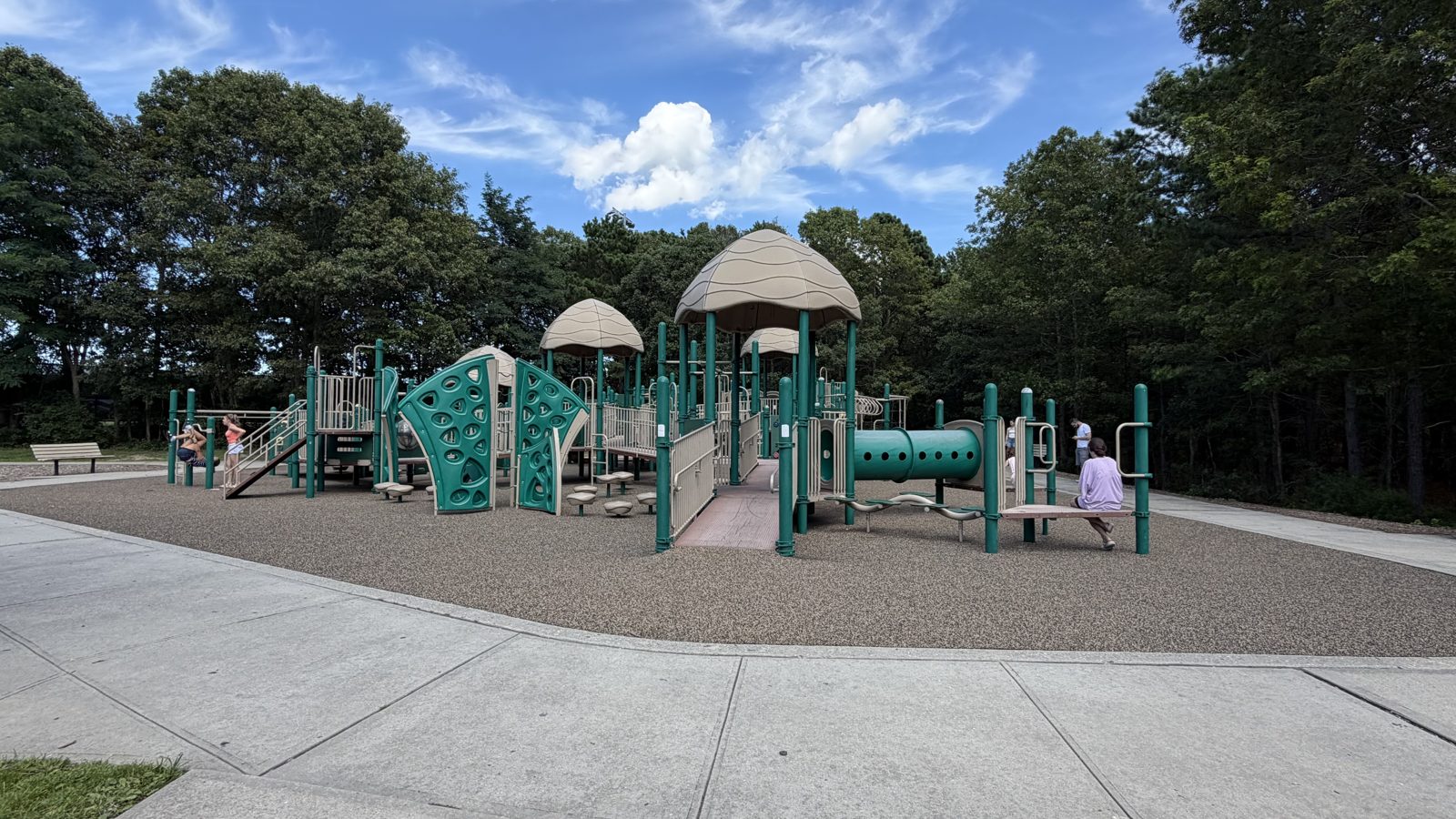
WHAT’S IN THE APP
The details that help you choose a playground.
A place can look great in a photo and still be missing something you need. Check the practical details and narrow down your options.
- Search by town, ZIP code, or name
- Browse the map or find playgrounds near your location.
- Filter for your family
- Look for age groups, swings, climbing equipment, accessible features, and different play surfaces.
- Check the amenities
- See available details about shade, fencing, bathrooms, and parking.
- Save places to visit
- Keep favorites on your device, share a playground, and open directions.
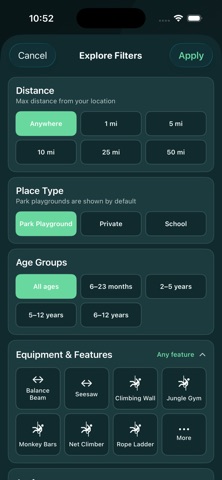
Appearance varies by platform and version.
Part of Long Island Parks.
This app is made by Long Island Parks LLC, the people behind LIParks.com. It’s a way to take the playground directory with you.
Have a question or found something that needs correcting? Email [email protected].
Explore the playground directory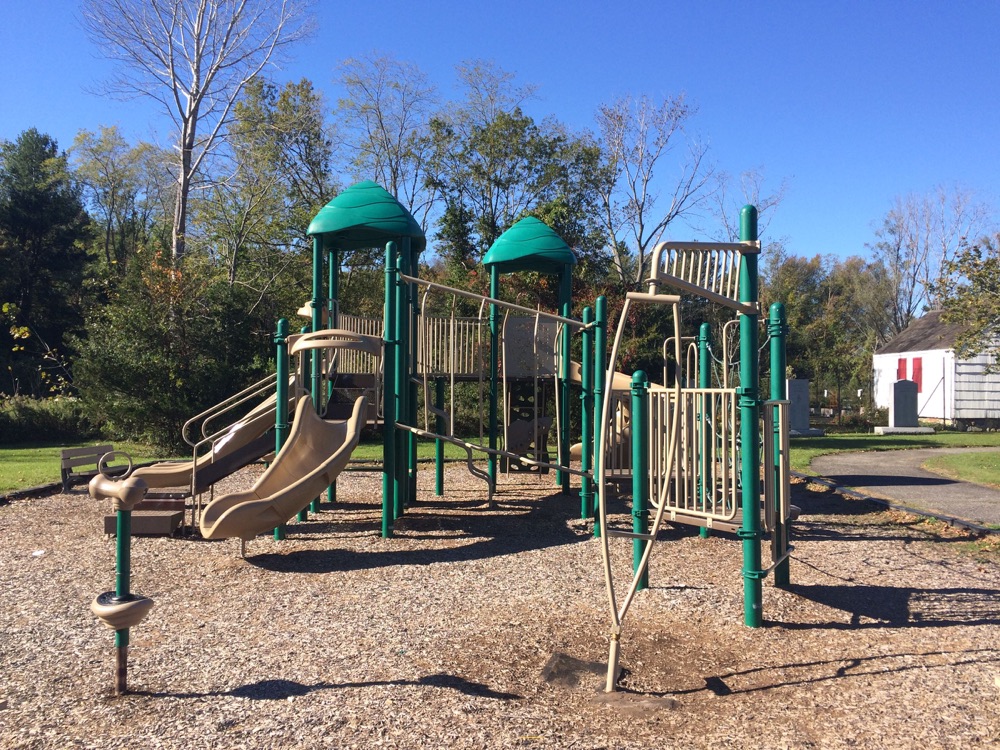
A few things to know
Do I need to share my location?
No. You can search by town, ZIP code, or playground name. Location access is optional and is requested when you choose to find nearby playgrounds.
Which phones does it work on?
The app is available for iPhone on the App Store and for Android on Google Play. See each listing for current device and operating system requirements.
What should I check before visiting?
Playground conditions, amenities, hours, and access rules can change. Check posted information and official local guidance before your visit.
Download LI Playground Finder
Available on the App Store and Google Play.